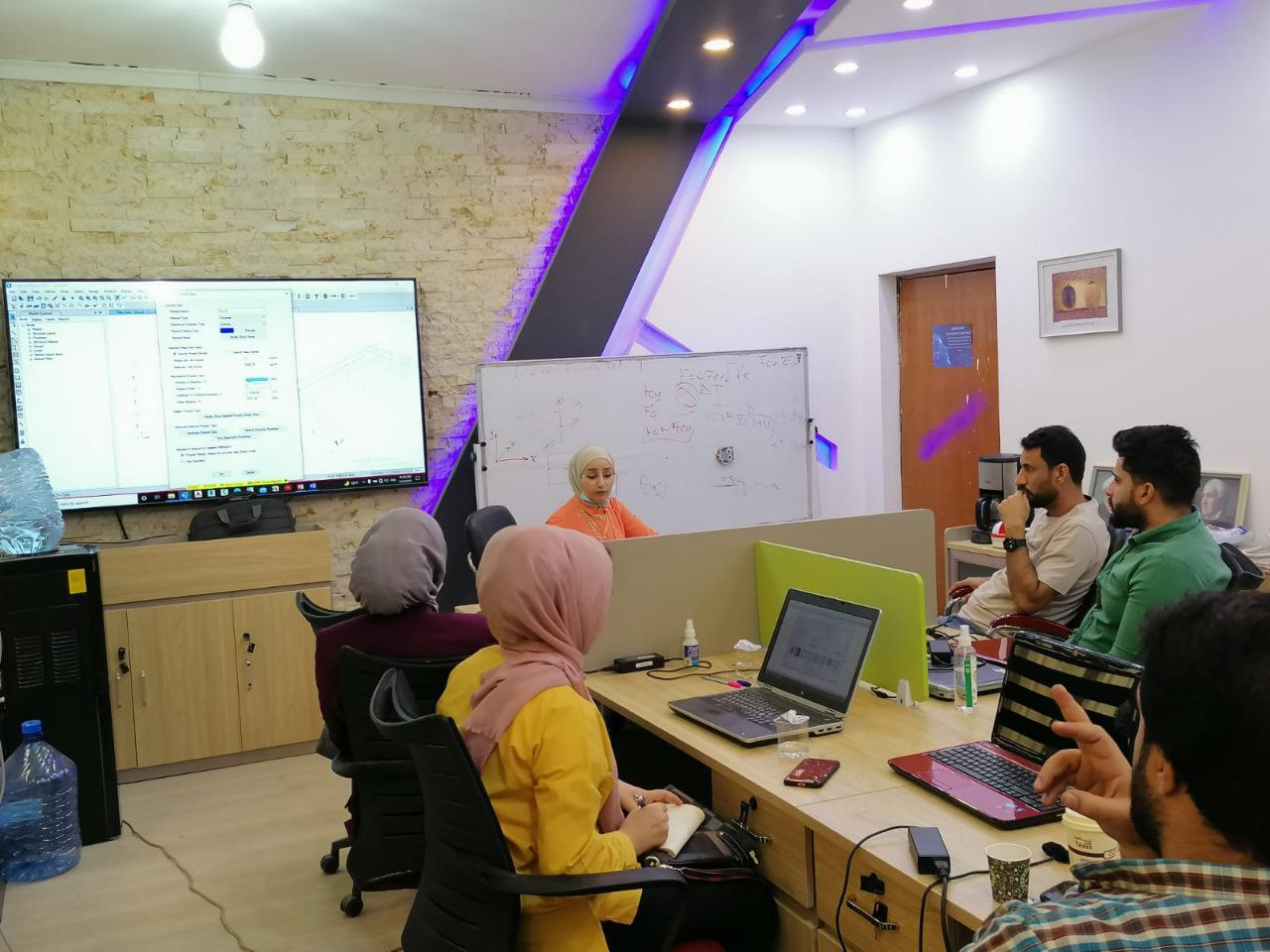
دورة المهندسي المدني لتعلم برنامج رفت هايكل الذي ستساعدك في تعلم كل اوامر البرنامج وتؤهلك لأجتياز الاختبار الدولي
اشتري فقط مقابل
في هذه الدورة التدريبية ، ستتعلم أساسيات الريفت ، وسيتم توضيح كيفية تحقيق أقصى استفادة من عملياته وسير العمل حتى تتمكن من أن تكون مستخدم أكثر كفاءة وإنتاجية.ستكتشف كيفية استخدام الاشرطة ، واختيار مساحات العمل ، واستخدام الأدوات الاساسية وعمل ابعاد العناصر الخاصة بك وكيفية ضبط المادة والوحدات ورسم العناصر والتعديل على عنصر واحد او مجموعة والمزيد من الاوامر المهمه والضرورية لانشاء بناية متكاملة مع انشاء نموذج تحليلي جاهز للتصدير لبرامج التحليل
1. Modeling
1.1 Work with walls
1.1.a Place and modify basic walls
i. Define the wall location line
1.1.b Apply wall constraints
i. Base and top
1.1.c Attach a wall to a floor or roof
1.2 Add doors, windows, and openings
1.2.a Select and place the appropriate types
1.2.b Place at the appropriate level and orientation
i. Sill height and head height
1.2.c Cut openings in building elements
i. Shaft and wall
1.3 Add and edit floors, ceilings, and roofs
1.3.a Place and modify floors
i. Specify boundary lines
ii. Use the draw tools
1.3.b Place and modify ceilings
i. Automatic or sketch
1.3.c Place and modify roofs
i. Roof by footprint
ii. Specify a slope using the Define Slope option
iii.Specify an overhang
1.3.d Use the draw tools
i. Line, rectangle, start-end-radius arc, pick lines, pick walls
ii. Understand boundary lines
iii.Understand chain selection
iv.Use the Extend into Wall option
v. Escape, Shift, Alt, Tab, and PageUp
1.4 Place a component
1.5 Work with grids and columns
1.5.a Position grid lines
1.5.b Change the grid name (bubble value)
1.5.c Place and modify architectural columns on a grid
1.6 Work with stairs, ramps, and railings
1.6.a Place straight stairs
i. Create a run and/or landing
1.6.b Place ramps
i. Sketch a run or boundary
1.6.c Place and edit railings
i. Create a railing by sketch
ii. Place a railing on a stair or ramp
iii.Edit a railing path
1.7 Place rooms
1.7.a Place a room with or without a tag
1.7.b Rename the room
1.7.c Identify and set whether an element is room bounding
1.7.d Create room separation lines
1.8 Use modify tools
1.8.a Move, copy, or rotate elements
1.8.b Trim or extend elements
i. Trim/extend to corner, single element, or multiple elements
1.8.c Align or offset elements
1.8.d Mirror elements
i. Pick axis or draw axis
1.8.e Split an element with or without a gap
1.8.f Create a linear or circular array of elements
1.8.g Resize elements
i. Scale
1.8.h Pin/unpin elements
i. Use Copy and Paste Aligned Tools from the clipboard
2. Display
2.1 Use levels to define the height or story within a building
2.1.a Add a level with or without a corresponding plan view
2.1.b Edit a level in a view
2.2 Create and modify views
2.2.a Create 2D plan views
i. Floor and ceiling plans
2.2.b Create section and elevation views
2.2.c Use call-out views
i. Detail and reference views
2.2.d Create drafting views
2.2.e Create 3D views
i. Turn on and modify the boundary of a section box
2.2.f Create camera views
2.2.g Modify view boundaries
i. Apply a crop region to control the display of a view
2.2.h Duplicate views
i. Duplicate, Duplicate with Detailing, Duplicate as Dependent
2.3 Control view display
2.3.a Set view properties
i. View scale, detail level, visual style, temporary view properties
ii. Hide or isolate elements or categories in a view
iii.Reveal hidden elements
2.3.b Control underlay
2.3.c Manage view range
2.4 Configure family types
2.4.a Load families
2.4.b Understand system, loadable, and in-place families
2.4.c Duplicate, rename, and modify an existing family type
i. Width or height parameter values
ii. Wall layer thickness
2.4.d Reassign a material to an element or part of an element
3. Documentation
3.1 Create and modify text
3.1.a Place or modify text or model text
i. Resize or rotate a text box
3.1.b Assign the text type
3.1.c Duplicate, rename, and modify an existing family type
i. Text font and text size
3.1.d Add a leader
3.1.e Set text alignment
i. Horizontal and vertical justification
3.2 Add tags
3.2.a Tag by Category
3.2.b Tag All
3.2.c Room tags
3.2.d Edit a door or room number in the tag
3.3 Use dimensions
3.3.a Place dimensions
i. Linear, aligned, angular, radial, and diameter
3.3.b Utilize dimensional constraints
i. Toggle dimension equality
ii. Lock a dimension
3.3.c Apply dimension types
3.3.d Edit the witness lines
3.4 Create and use schedules
3.4.a Create schedules
i. Door and window schedules
3.4.b Configure schedules
i. Fields, filters, and sorting/grouping
ii. Itemize every instance (or not)
3.4.c Enter and modify schedule data
3.5 Add 2D annotation detail elements to views
i. Detail lines
ii. Detail components
iii.Filled or masking region
iv.Insulation
3.6 Create and arrange sheet composition
3.6.a Place and adjust a view on a sheet
i. Change the size of the view
ii. Adjust view title and extension line
iii.Activate/deactivate a view
3.6.b Enter information on a title block