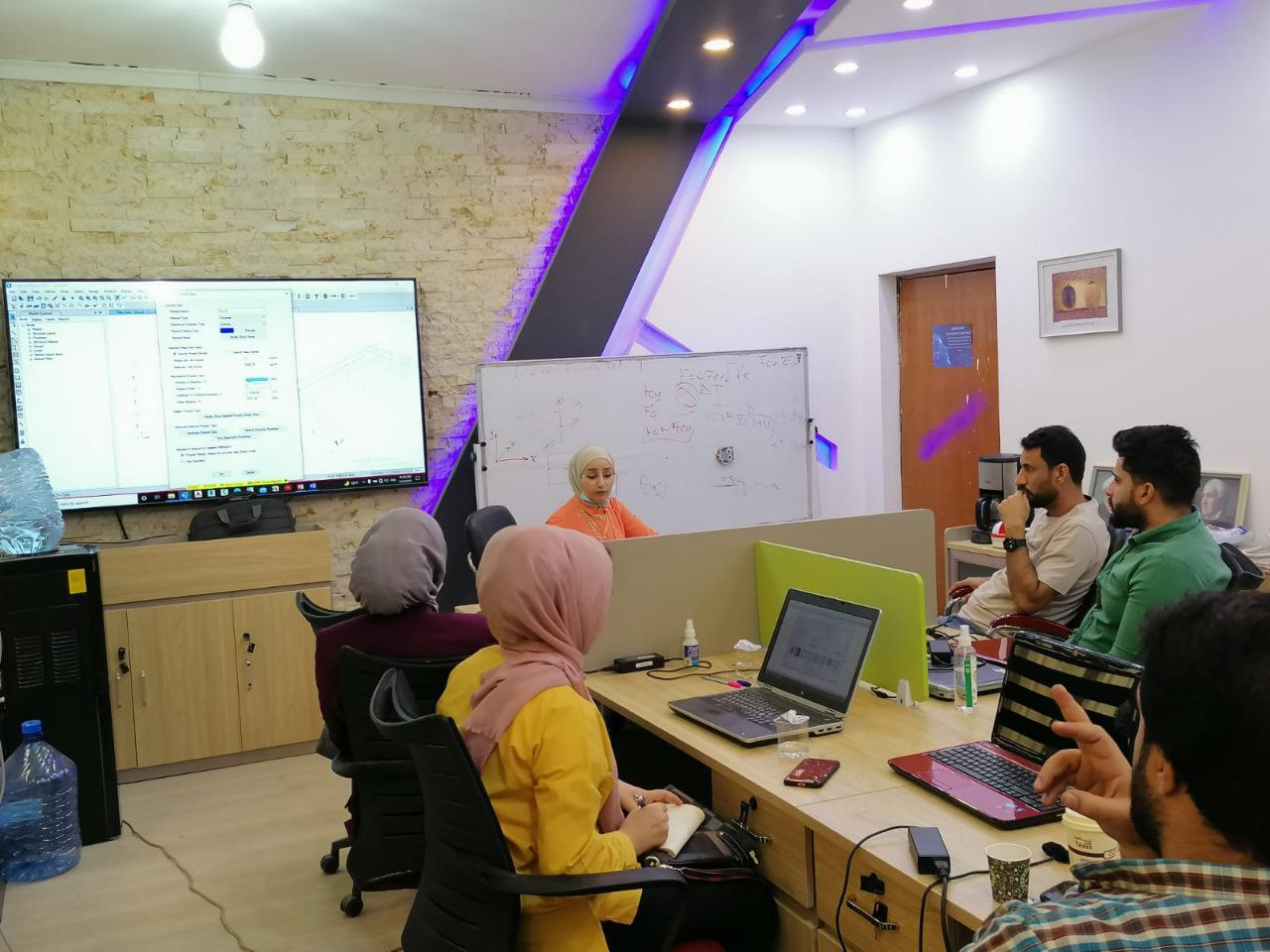
دورة تعلم كل شيئ في برنامج أوتوكات لأجتياز اختبار المستخدم من شركة اوتوديسك
اشتري فقط مقابل
هو برنامج للرسم والتصميم الهندسي بمساعدة الحاسوب يدعم إنشاء الرسومات الثنائية والثلاثية الأبعاد لا غني عنه لطلبة الهندسة حول العالم فيتم استخدامه في اكبر واغلب الشركات الهندسية فهو مهم لطلبة الهندسة المدنية والمعمارية والميكانيكية والكهربائية وللخريجين والمحترفين ايضاً.
تم إعداد هذه الدورة حسب معايير ومتطلبات شركة اوتوديسك ولأجتياز اختبار مستخدم من اوتو ديسك بسهولة من محاضر مرخص من شركة اوتو دسك ومحترف من شركة اوتوديسك.
يمكن لهذه الدورة ان تعلمك كل الاوامر التي تحتاجها لأستخدام البرنامج وانشاء تصاميم والتعديل عليها والاضافة والتحويل والطباعة وكل مايتعلق بك كمستخدم للبرنامج.
1. Draw and Modify Objects
1.1 Create basic drawing objects
1.1.a Create and edit geometric shapes
i. Lines, circles, rectangles, arcs, polygons, rays, etc.
1.1.b Create 2D isometric drawings
i. Switch between standard isometric planes (ISODRAFT)
ii. Use drawing and tracking tools that align with the corresponding isometric
axes
1.2 Draw polylines
1.2.a Draw open or closed polylines
i. Lines and arcs
1.2.b Edit a polyline
i. Join
1.3 Select and deselect objects
1.3.a Use a selection or crossing windows to select objects
1.3.b Remove objects from a selection set
1.4 Manage layers
1.4.a Set the current layer
1.4.b Create and/or remove layers
1.4.c Edit the properties of a layer
i. Name, color, linetype, and lineweight
ii. Freeze, thaw, lock, unlock, on, and off
1.4.d Identify the objects on a specific layer
1.5 Work with blocks
1.5.a Create a basic block
i. Define the base point
ii. Understand the significance of creating a block on layer 0
1.5.b Insert and modify instances of a block
i. Basepoint, Scale, Rotate, and Explode
ii. Blocks palette, Tool palettes, and the Design Center
1.5.c Transfer information between drawing files
i. Copy with Basepoint
ii. Drag and drop across multiple open drawings
2. Draw with Accuracy
2.1 Apply basic object snaps
2.1.a Use object snaps and object snap tracking
i. Endpoint, midpoint, center, nearest, intersection, perpendicular, quadrant,
extension, parallel, geometric center, and tangent
ii. Midpoint between two points (M2P) combined with object snap tracking and
polar tracking
2.2 Identify and use coordinates
2.2.a Enter coordinate values on the Command Line
i. Relative, absolute, and polar coordinates
2.2.b Use dynamic input and direct distance entry
3. Basic Editing
3.1 Modify object properties
3.1.a Identify and alter layer assignments, color, lineweight, and linetype
i. Properties palette and Quick Properties
3.1.b Match the properties of one object to other objects
3.2 Use basic editing commands to modify objects
3.2.a Move, copy, rotate, mirror, scale, and stretch objects
3.2.b Move, copy, and stretch objects using grips
3.3 Trim, extend, or lengthen objects
3.4 Create rectangular and polar arrays
3.5 Offset objects at a specific distance
Apply a fillet or chamfer to objects
3.6.a Rounded corners
3.6.b Chamfered corners
3.6.c Square corners (zero radius)
4. Annotation
4.1 Create and modify text
4.1.a Create and modify text and multiline text
4.1.b Apply text and multiline text properties
i. Text height, justification, rotation, text wrapping, and text style
4.2 Add and modify leaders and/or multileaders
4.2.a Apply multileader styles
4.2.b Understand multileader options
4.3 Create and edit dimensions
4.3.a Add dimensions
i. Linear, aligned, angular, radius, diameter
4.3.b Create multiple dimensions with a single command
i. Continue and baseline dimensions
4.3.c Modify and apply dimension styles
i. Precision, primary units, using overall scale, etc.
4.4 Apply hatches or fill patterns
4.4.a Create a hatch or fill pattern
i. Pick points or select
4.4.b Specify hatch or fill options
i. Angle, scale, pattern, match properties, inherit, and color
5. Layouts and Printing
5.1 Work with layouts and viewports
5.1.a Activate a layout
5.1.b Modify viewports on a layout
5.1.c Set the viewport properties so the geometry plots to scale
5.1.d Add a title block to the layout
5.2 Manage output formats
5.2.a Publish a drawing to a plotter, printer, or PDF file
i. Set printing and plotting options
ii. Use the Page Setup Manager to apply plot settings to a layout
يشترط في الشخص الذي يقوم بشراء الدورة ان يمتلك:
المستهدفون من هذه الدورة: